Touchpad
An assortment of swim coach tools, including a swim stopwatch that gets splits for multiple lanes at the same time.
An assortment of swim coach tools, including a swim stopwatch that gets splits for multiple lanes at the same time.
We were sick of handling multiple stopwatches at once to get splits. So we built Touchpad — and it grew from there.
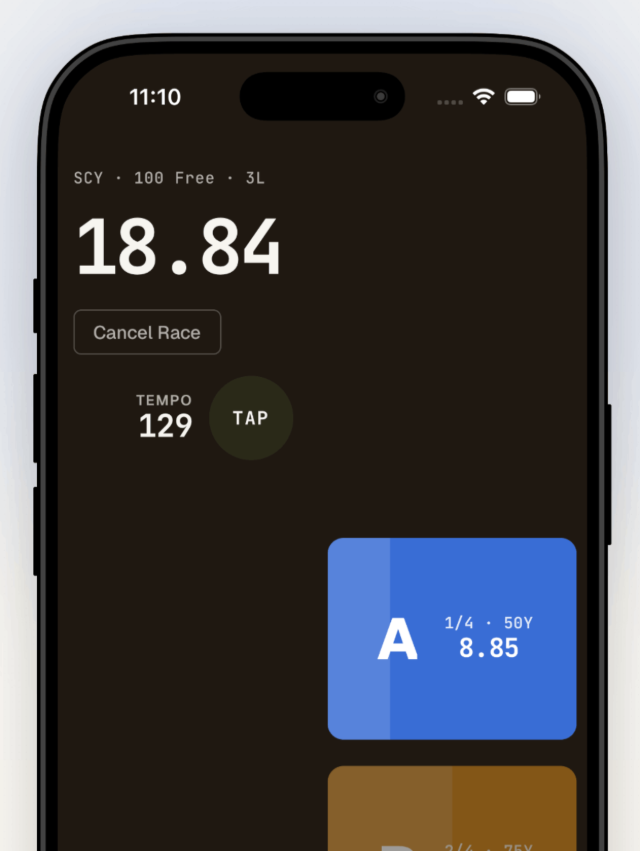
Tap a lane as each swimmer touches. Up to seven lanes at once, every split captured. Great for practices and meets alike.
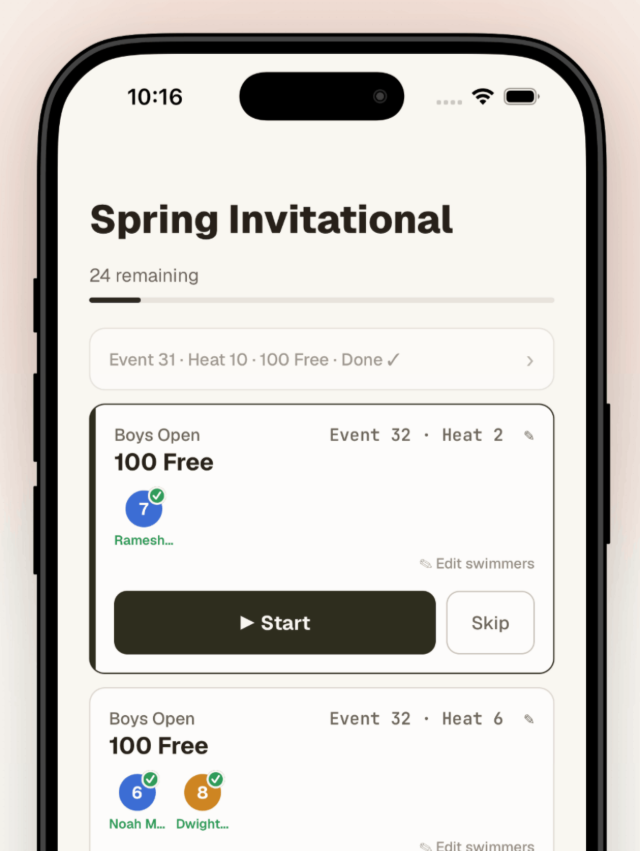
With Touchpad Team, scan the heat sheet or upload the meet PDF. Touchpad builds a queue of your heats in order, so you just work the list — no more scribbling splits in the margins.
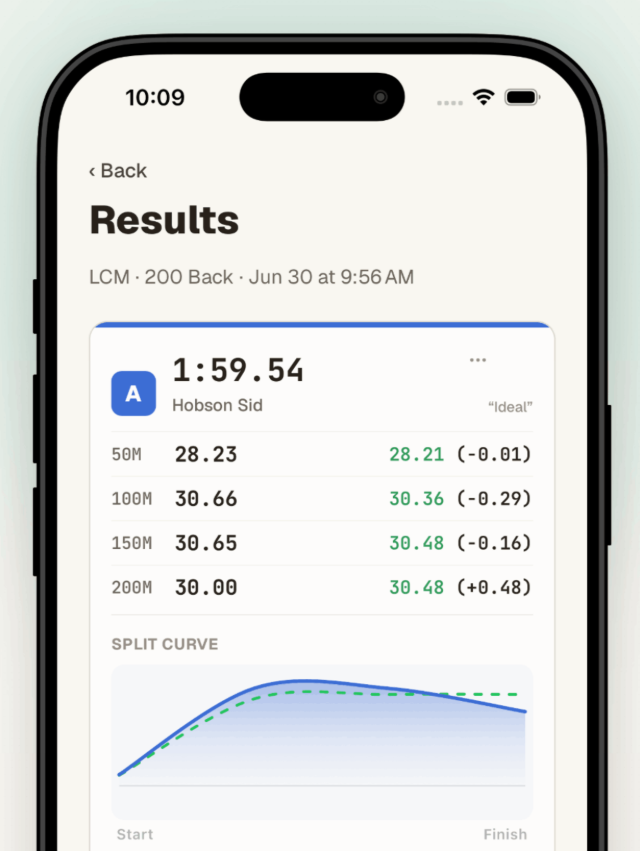
Each split is compared to an ideal pace for the event based on data from elite swims.
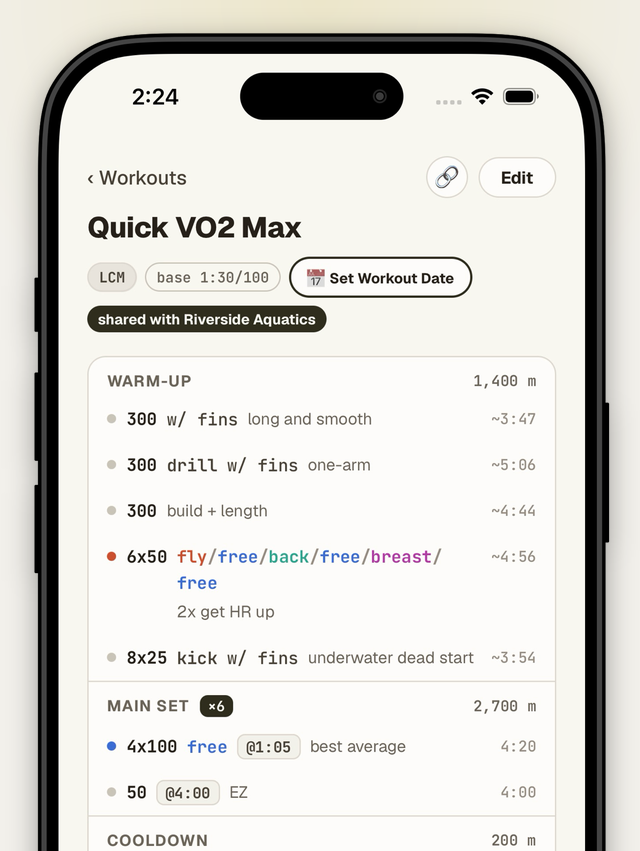
Write workouts in plain text, have them parsed, scored, and tracked over time. Share with other coaches or swimmers, even if they don't have the Touchpad app.
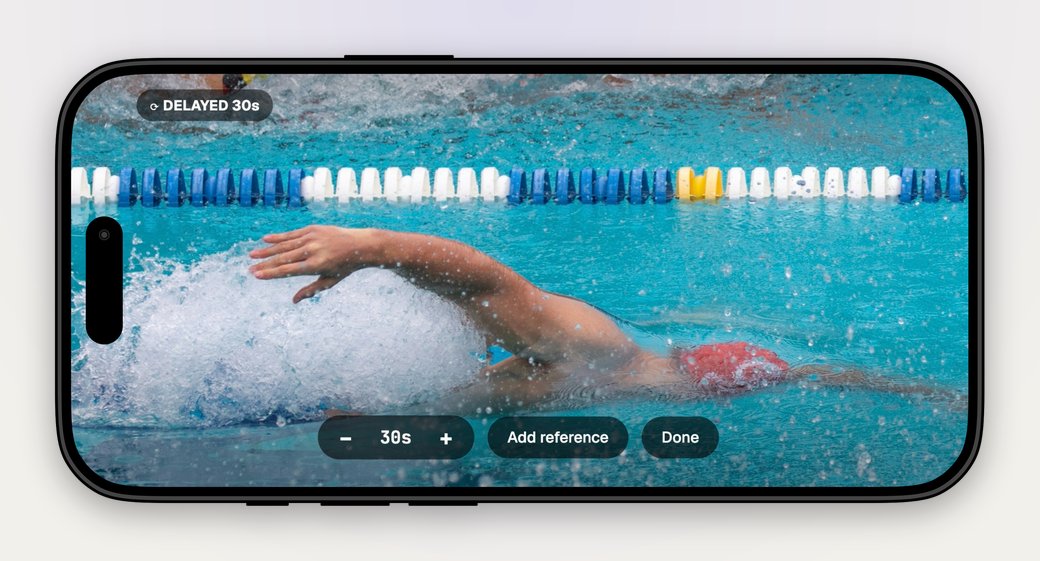
Turn a phone or tablet into a feedback device. Point it at the pool and stream with a 5–60 second delay next to an optional looping reference video.
Split stopwatch, race history, tempo counter, and notes all work for free. Sign in when you want your history to sync across devices.
Everything free, plus the tools to run a full roster and a real meet.
Photograph the heat sheet or upload the PDF. It reads it, filters to your club, and builds your queue.
Work the queue heat by heat. Time manually or enter splits off the board. Post-session summary when you're done.
See what your team is doing well and what to work on. Always improving.
Keep your swimmers in the app. Best times update automatically. Invite assistant coaches by email.